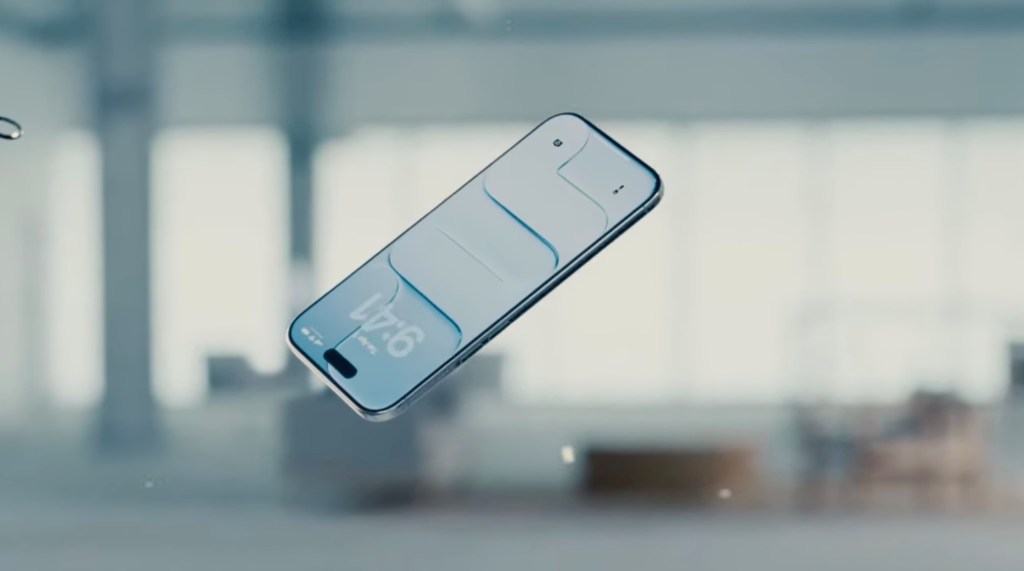
Apple is releasing another tool to dial down Liquid Glass’ transparency with its release of iOS 26.2, out now. With the update, users will be able to control the transparency of the Lock Screen’s clock. The release follows an update that introduced a slider for controlling the opacity of Liquid Glass elements through the operating system, following user complaints that the changes made their iPhone or other Apple device too hard to read.
With the slider for the Clock’s “glassiness,” Apple is again rolling back the transparency of the Liquid Glass update, but in the form of another user-controlled customization feature, instead of a global change.
These tweaks are notable as they telegraph that perhaps Apple isn’t standing 100% behind the design overhaul as being perfect as is.
Unlike Dye, Lemay’s career was spent in interface and interaction design — a skill set called for when it comes to fixing Liquid Glass, it can be argued.
iOS 26.2 brought other new features beyond the latest Liquid Glass tweak.
As in the betas, users can now create AirDrop codes to share with people not in their contacts, allowing them to become a “known” AirDrop contact for a 30-day period. The feature might make sense at work or in other scenarios where you need to share files or photos with someone not stored in your Contacts.
Also in iOS 26.2, the Reminders supports alarms; Apple News gains a Following tab at the bottom nav bar along with other navigation changes; Apple Music adds offline lyrics; and the Podcasts app adds AI-generated chapters for podcast episodes, a Podcast Mention feature for linking to other shows, and other changes.
Apple Watch owners will also now get a Sleep Score based on how well they slept and if they met their sleep goals.
International